QR Code Overlays for Video
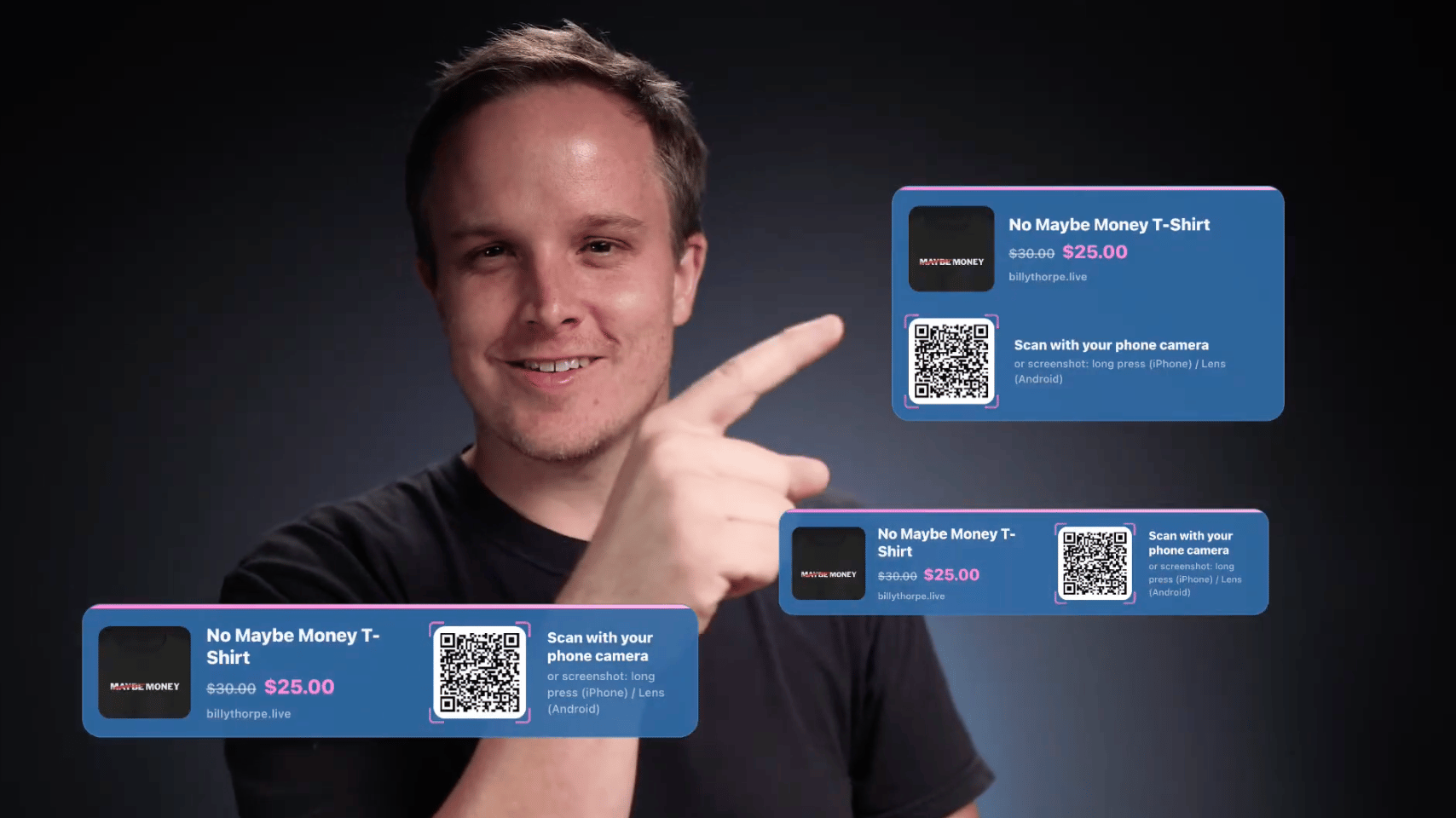
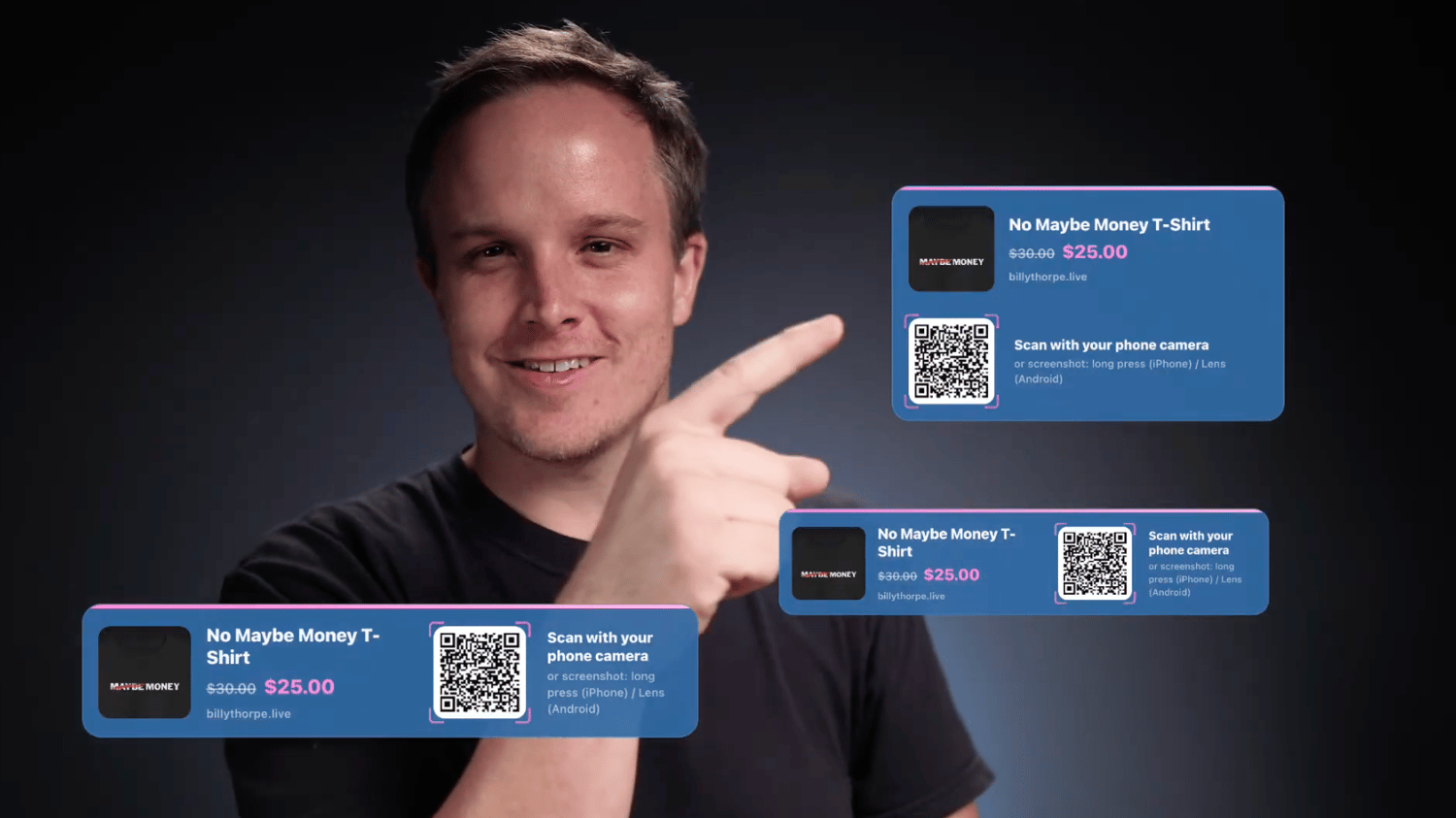
Put anything on screen with a QR code your viewers can scan — products, guests, events, links. Build it to match your brand, on live streams or pre-recorded video.

Put anything on screen with a QR code your viewers can scan — products, guests, events, links. Build it to match your brand, on live streams or pre-recorded video.
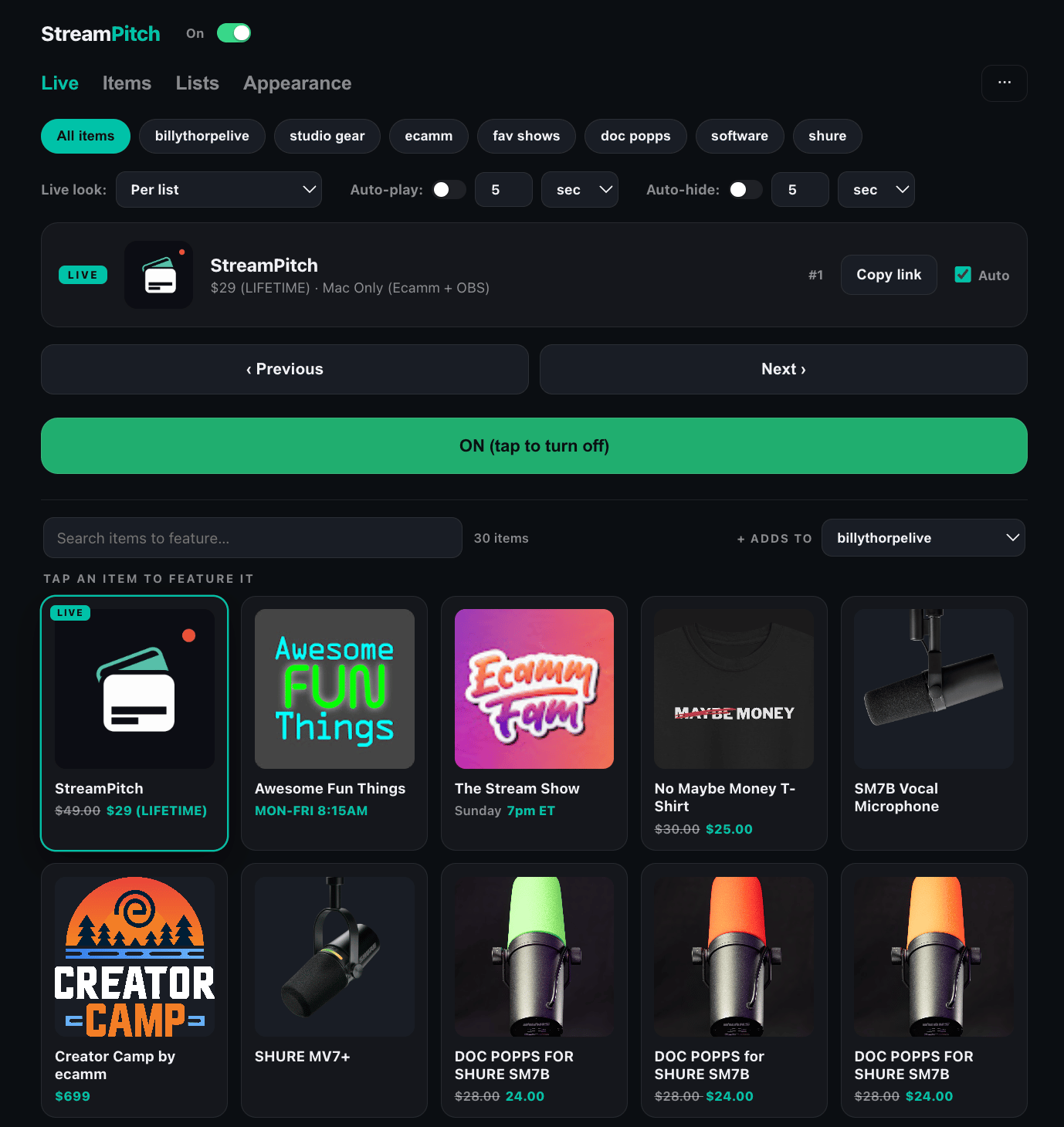
Tap an item to put it on screen. Switch lists, search your whole catalog, change your live look and hide everything with one button.
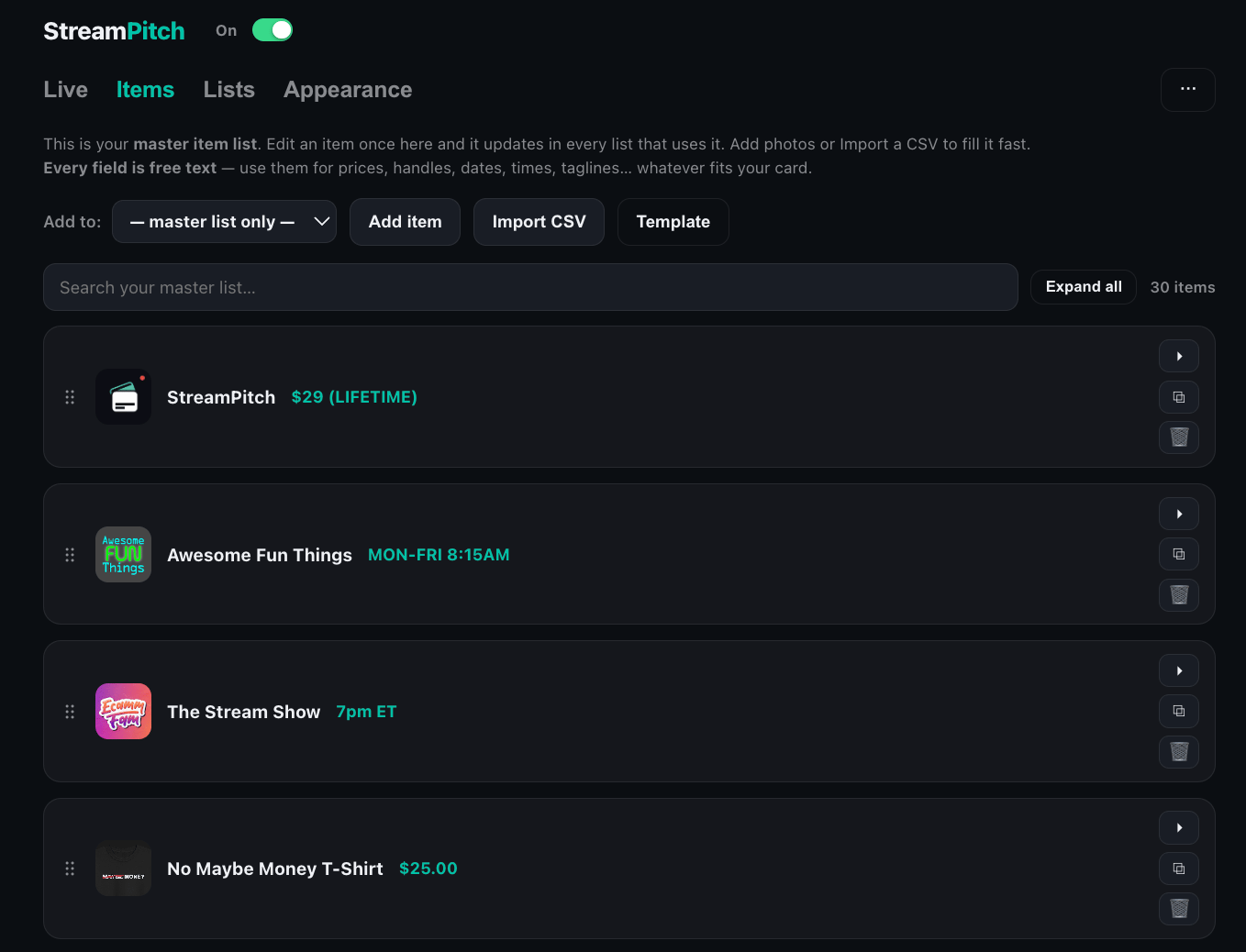
Your master list. Edit an item once and it updates in every list that uses it. Import a CSV to fill it fast.
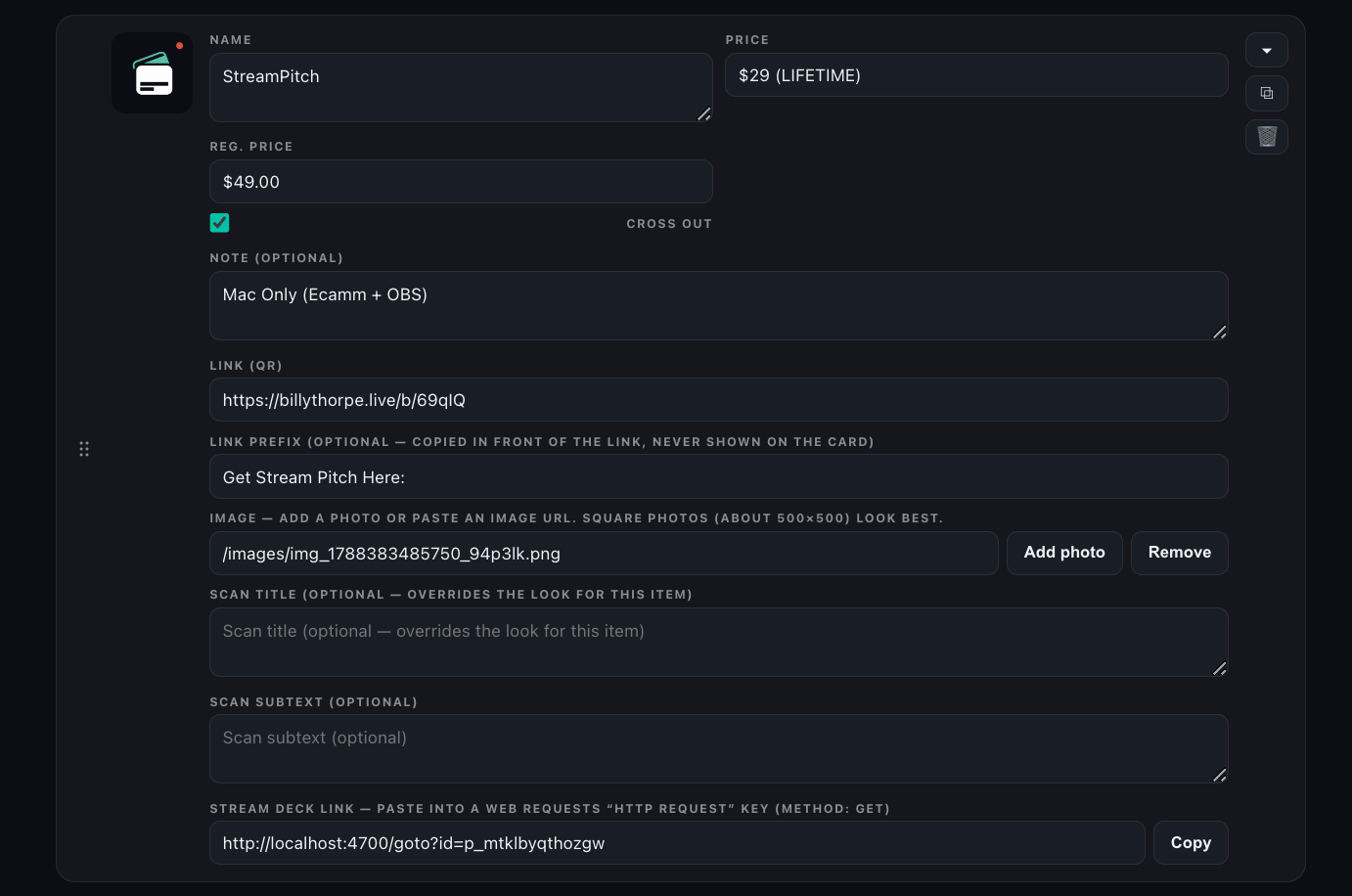
Every field is free text. Name, price, note, link, photo. Add a prefix that rides along when the link is copied, and grab a Stream Deck link for the item.
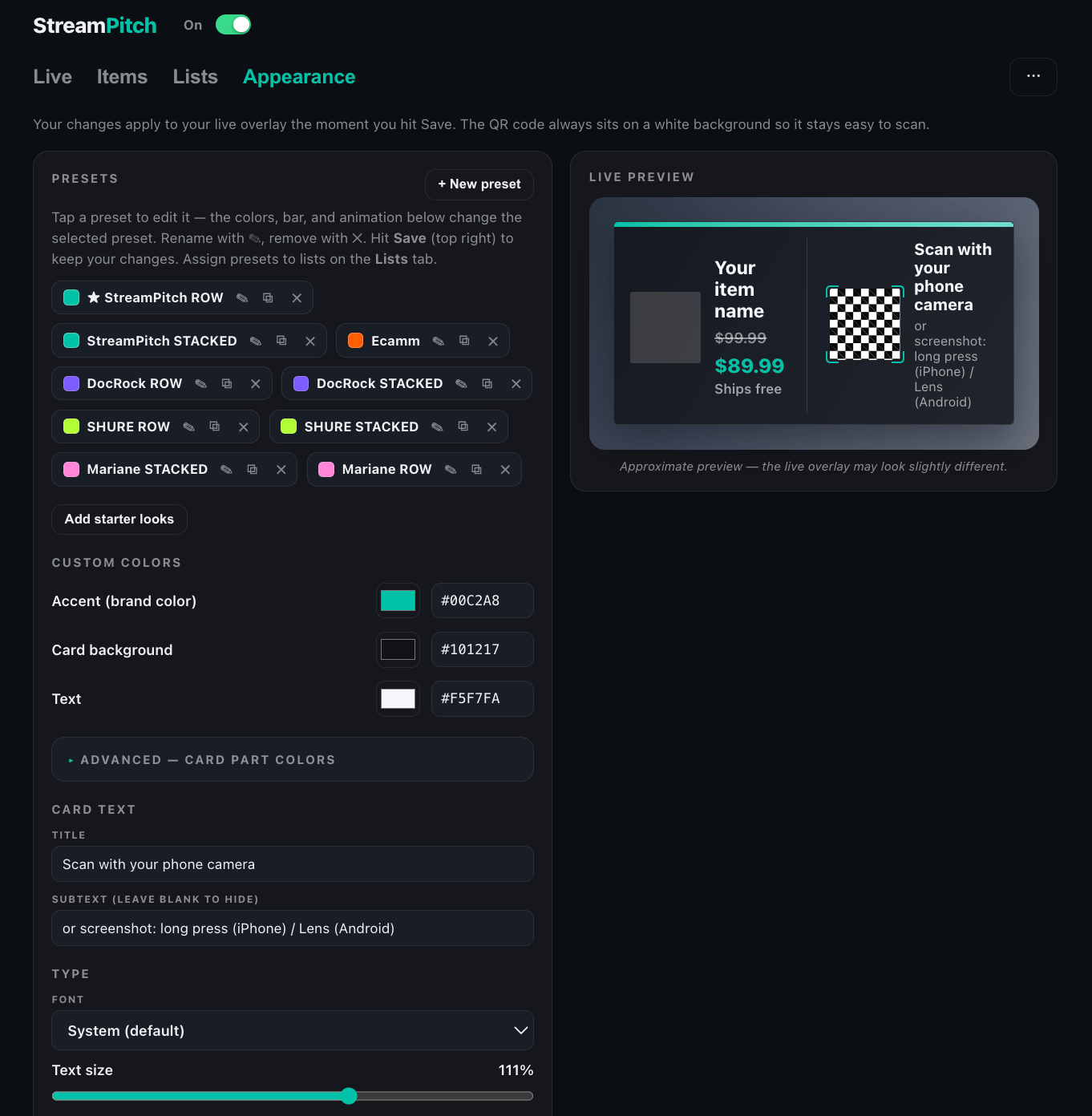
Build a look and save it. Make one per brand, per segment, or per client, and switch between them in a tap.
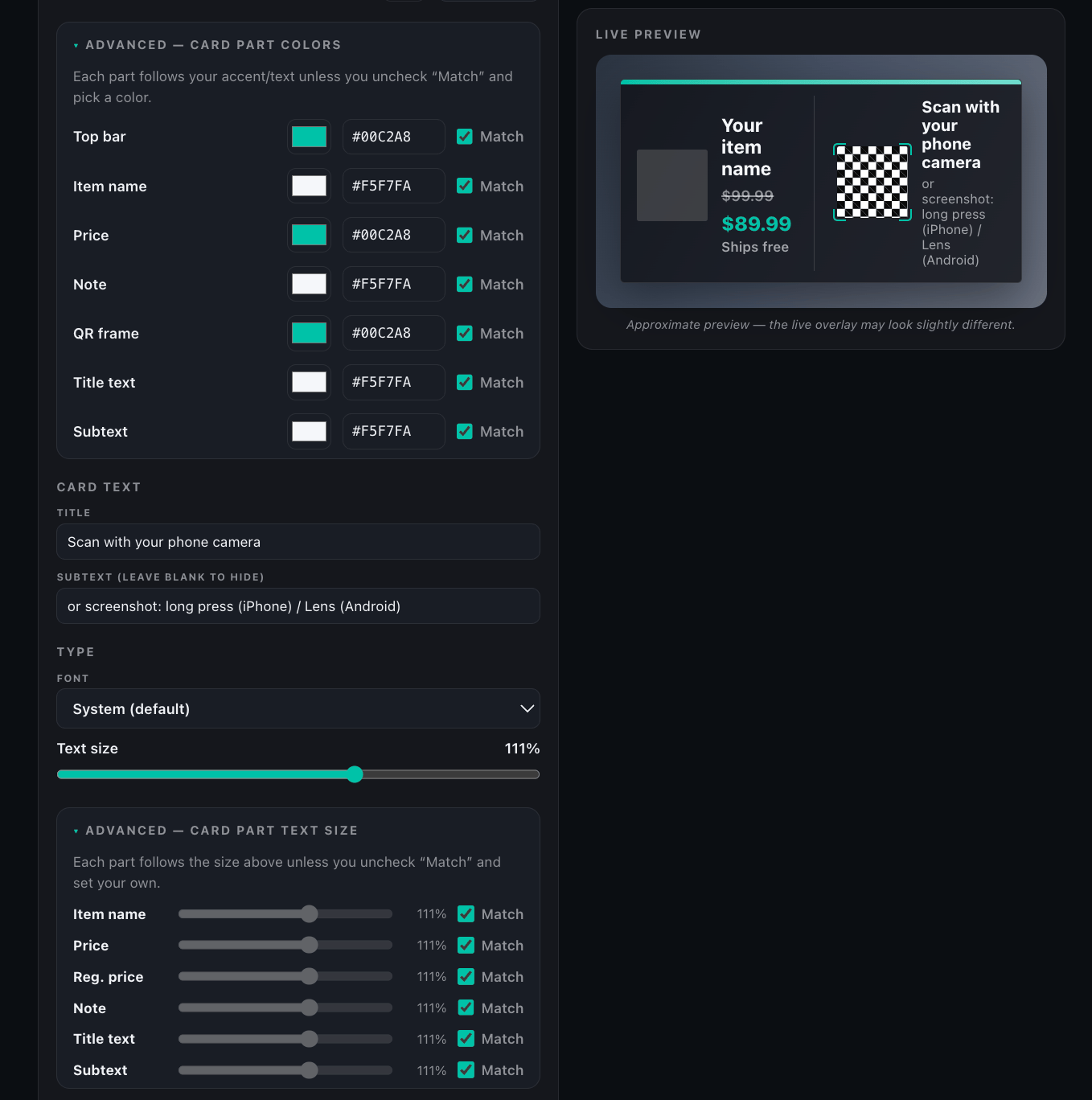
Every part of the card takes your colors and sizes. Leave them matched to your brand color, or set each one yourself.
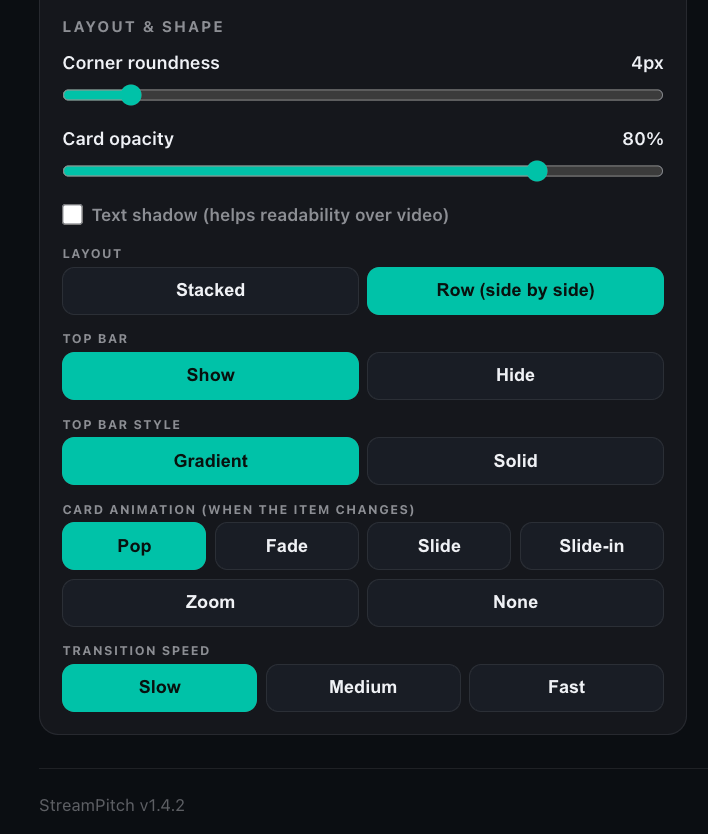
Corner roundness, transparency, layout, and how the card animates in. Drop the opacity to zero and float the text over your own lower third.
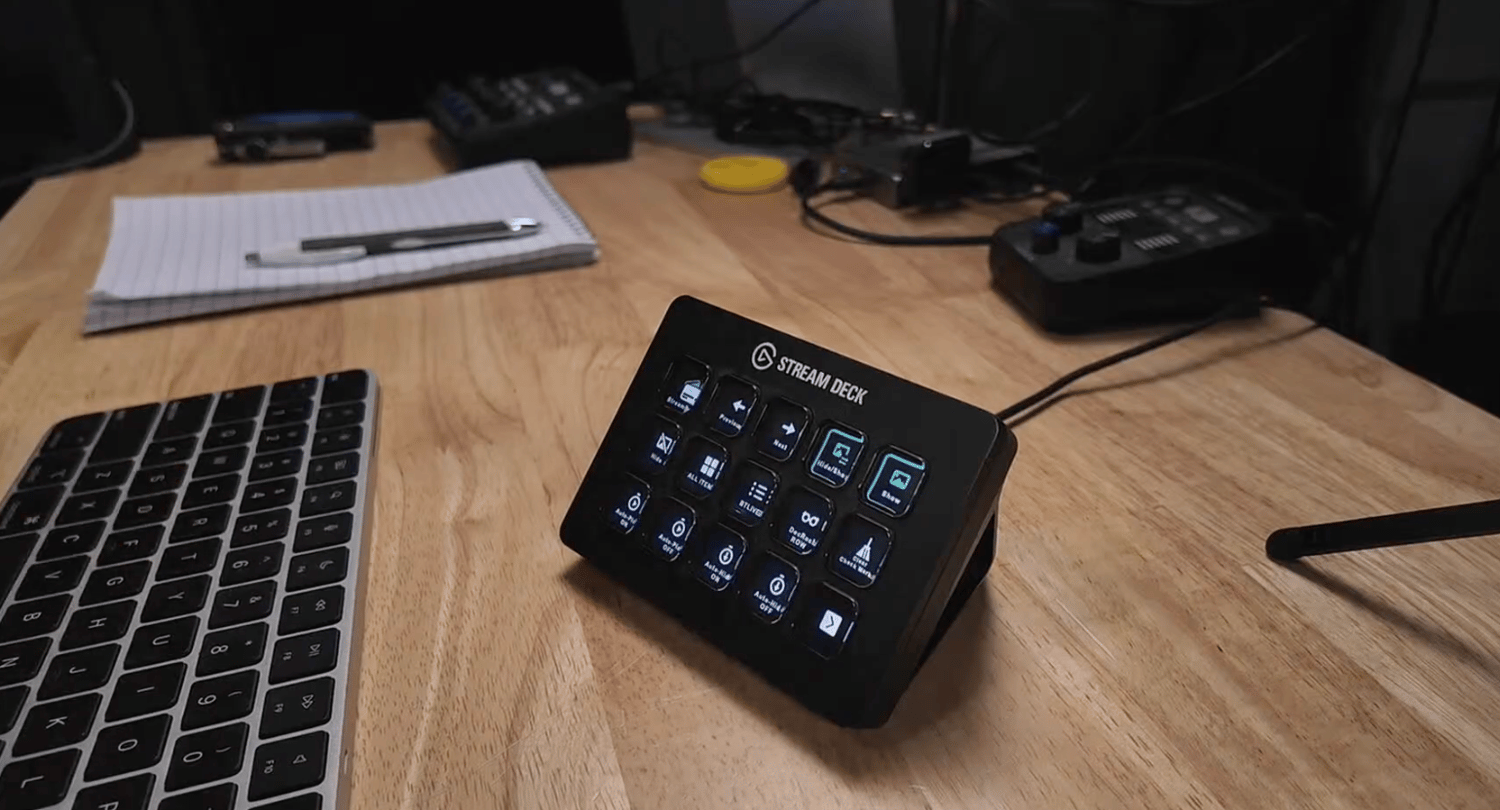
Run your whole show from your Stream Deck. Next, previous, hide, or one key for one specific item.
The standard one for your main stream, and two that lock the card shape for vertical.