






StreamPitch: Shoppable QR Overlay Widget for Ecamm & OBS
On Sale
$49.00
(% off)
$29.00
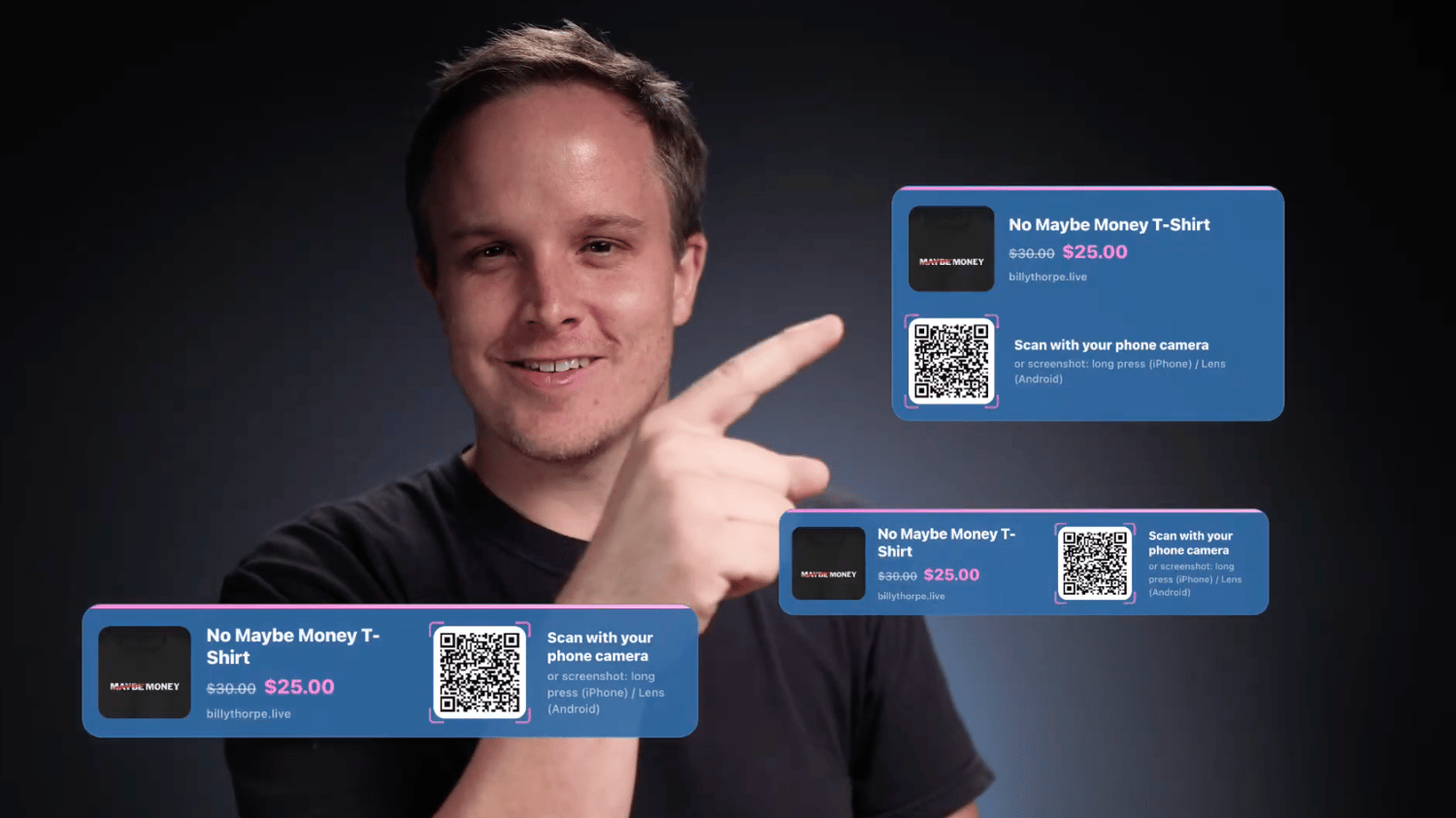
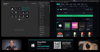
Put shoppable product cards on your live stream. When you talk about a product, feature it on screen with its price, a note, and a QR code your viewers scan to buy. No more "link in the description" and hoping people find it.
StreamPitch runs entirely on your Mac. Nothing is uploaded, it works offline, and your product data stays yours. It works with Ecamm Live, OBS, and any tool that accepts a browser or widget overlay.
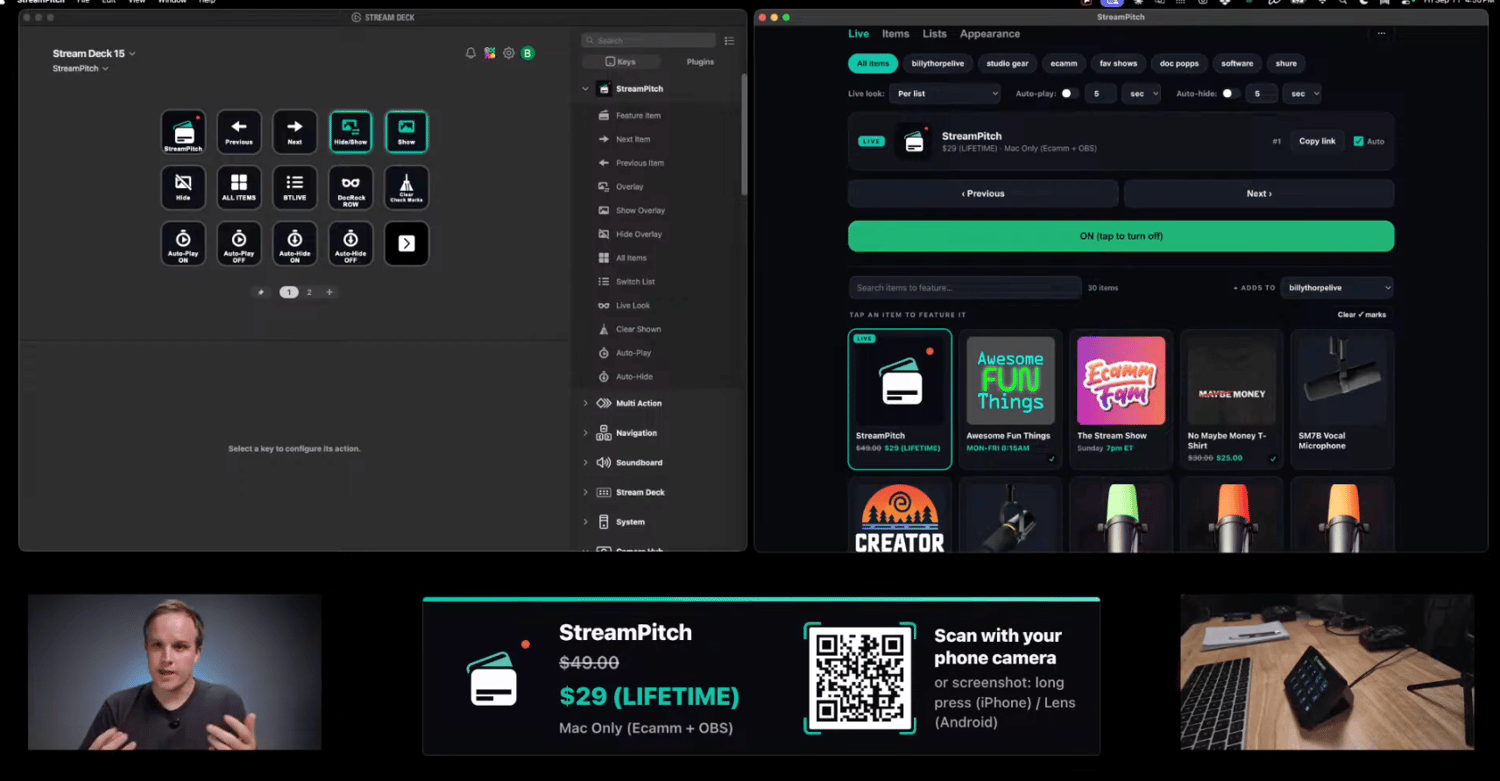
What it does: (watch the full demo of v1.6.0)
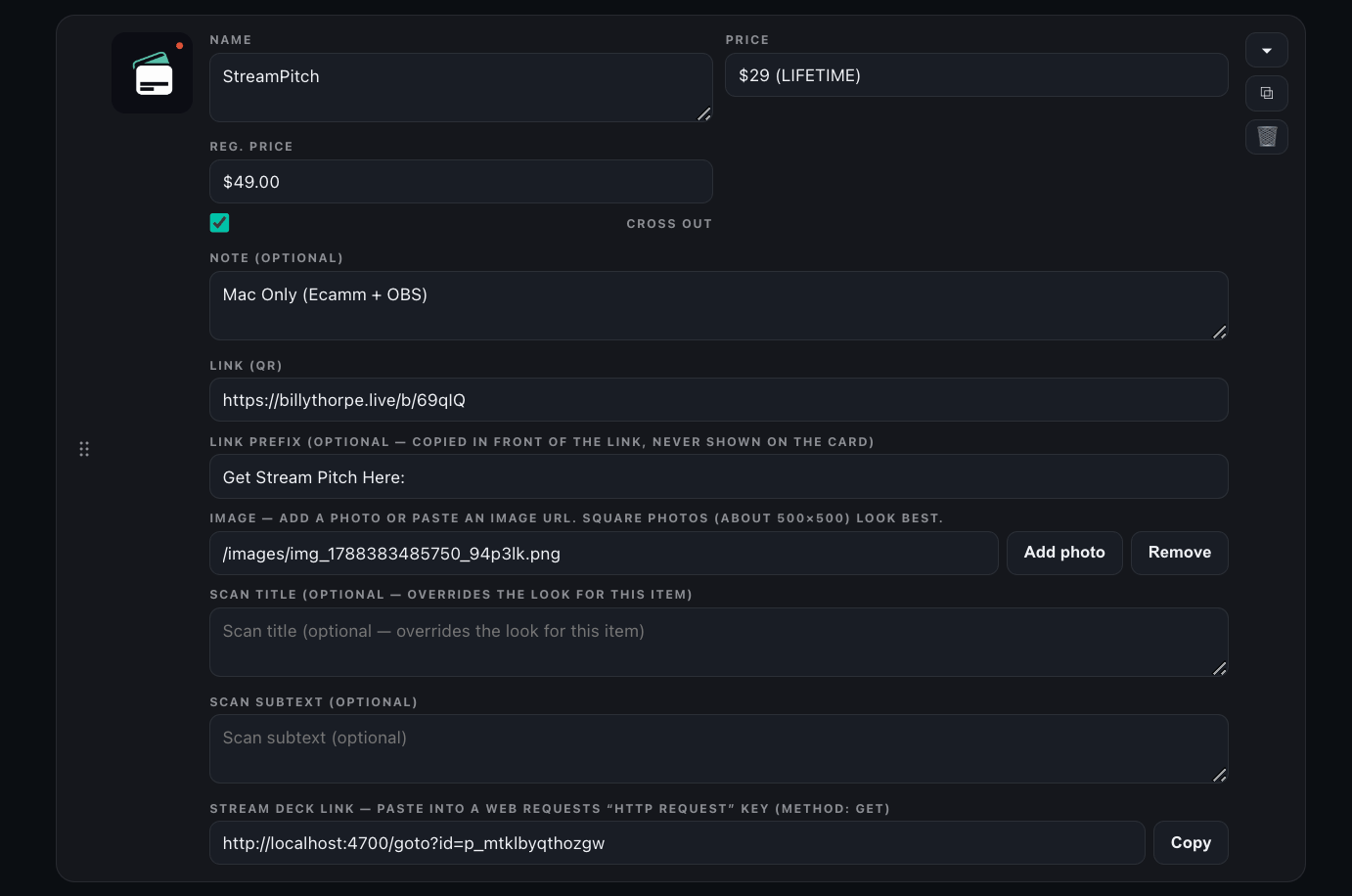
- Feature any product on screen with one tap. Price, sale price, a short note, and a scannable QR code.
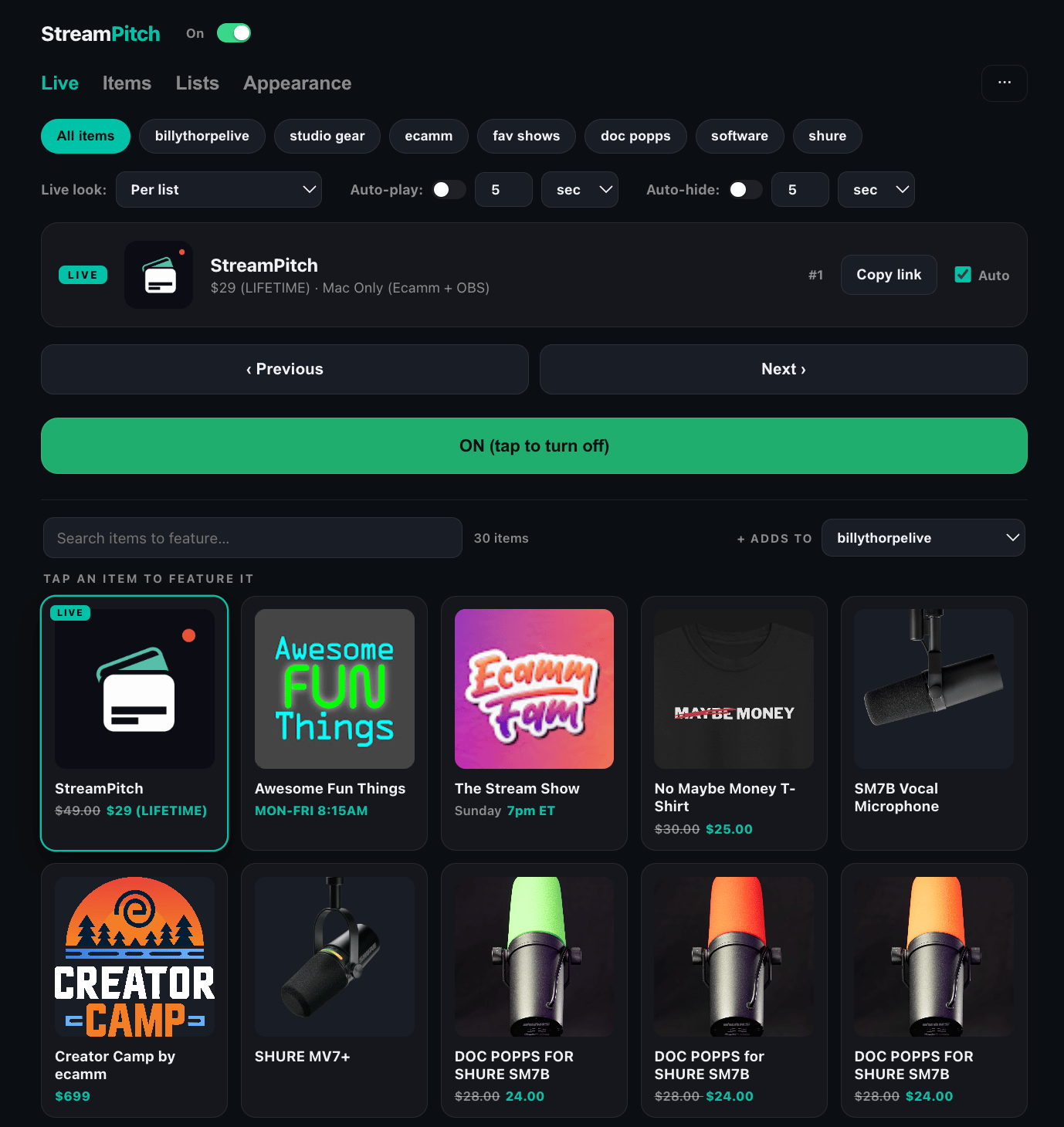
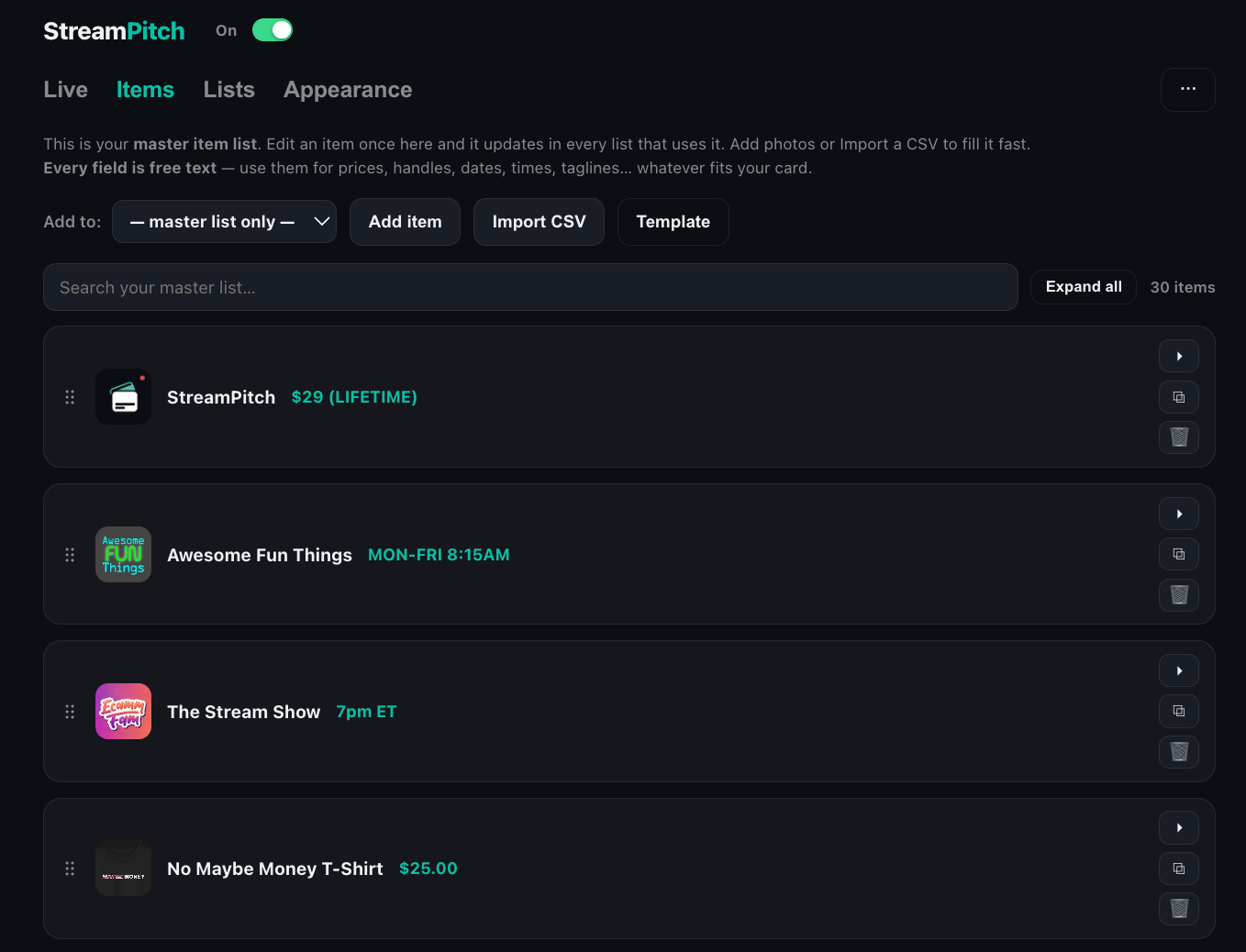
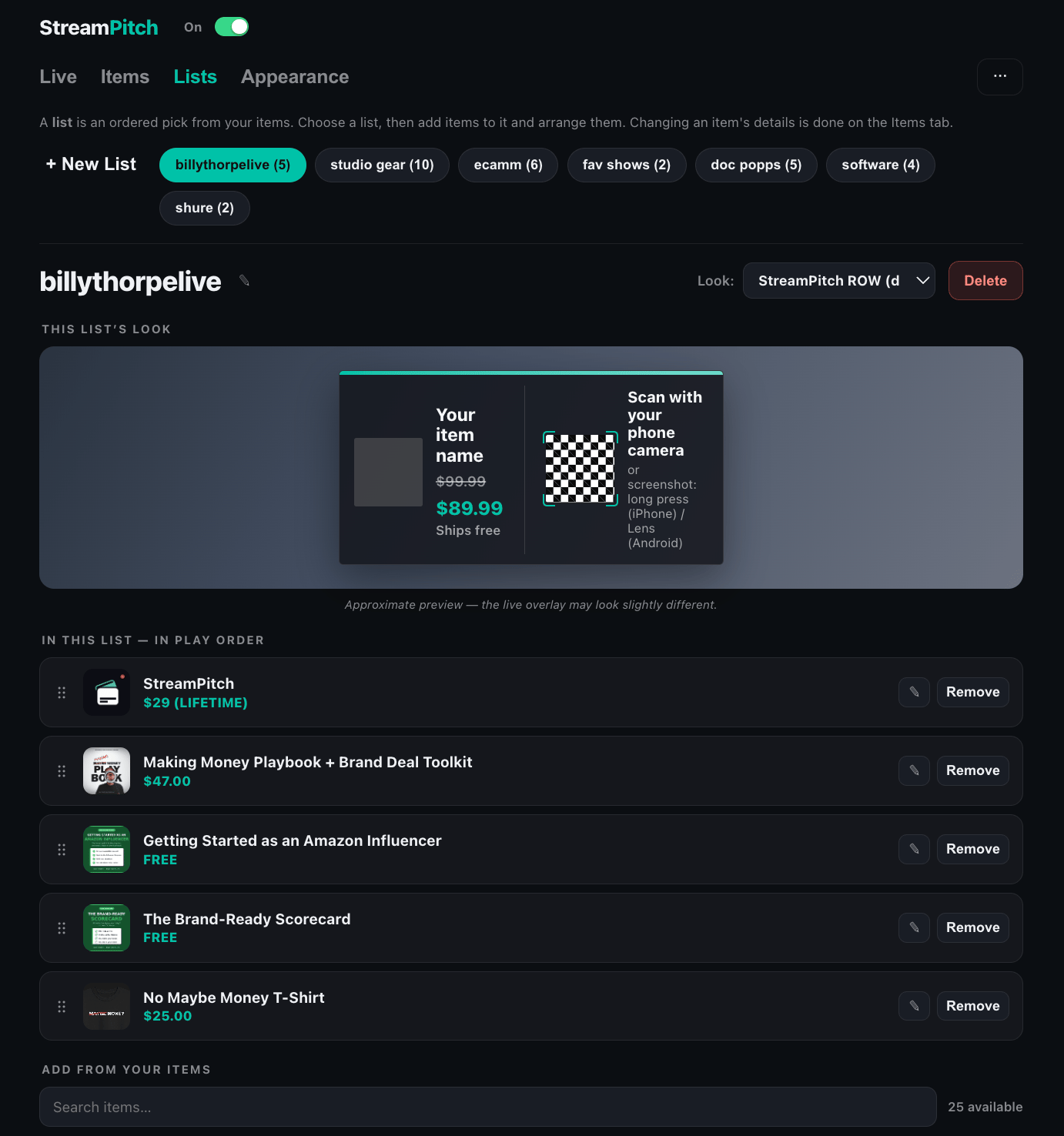
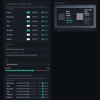
- Build lists for different segments of your show and switch between them live.
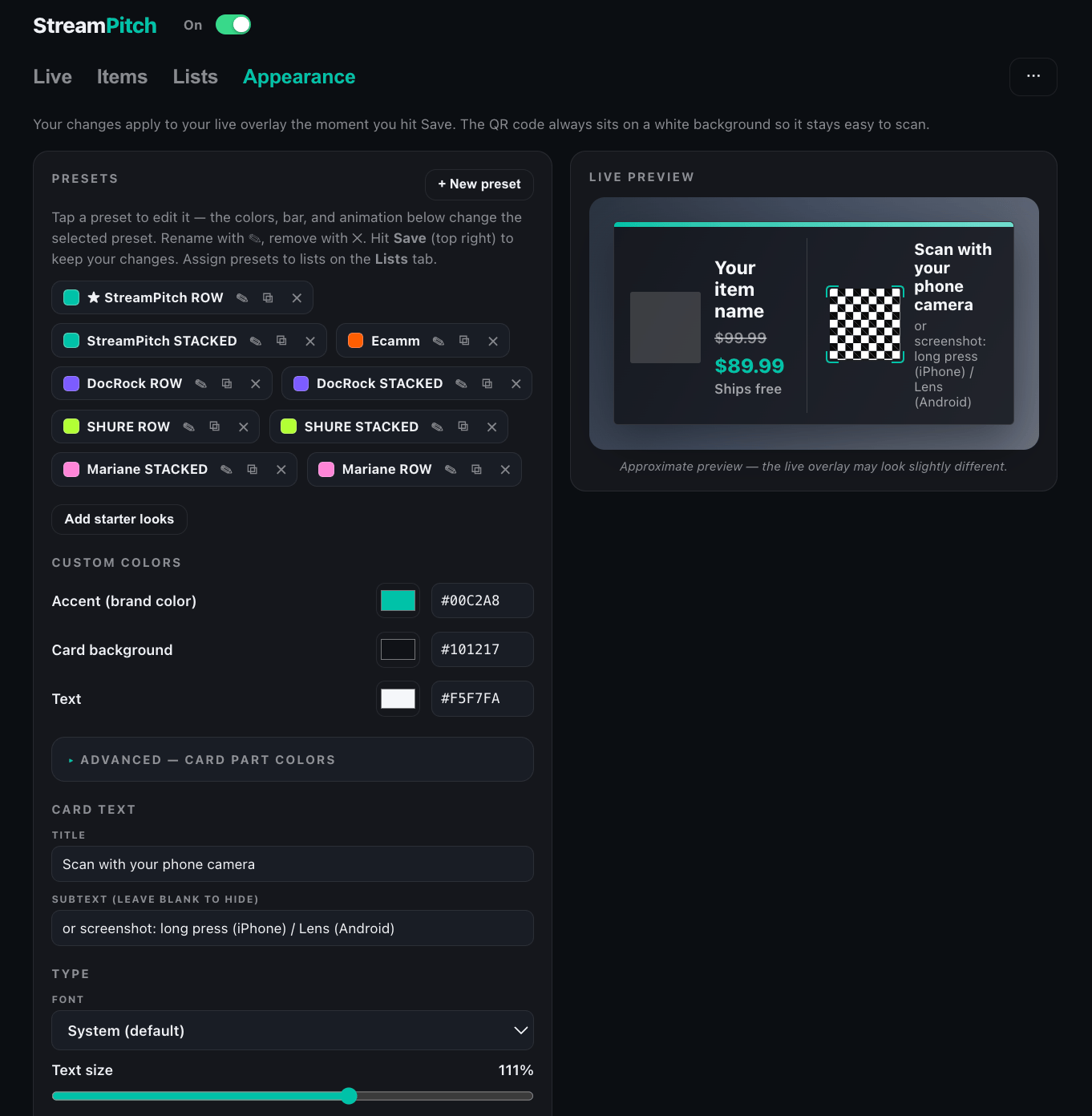
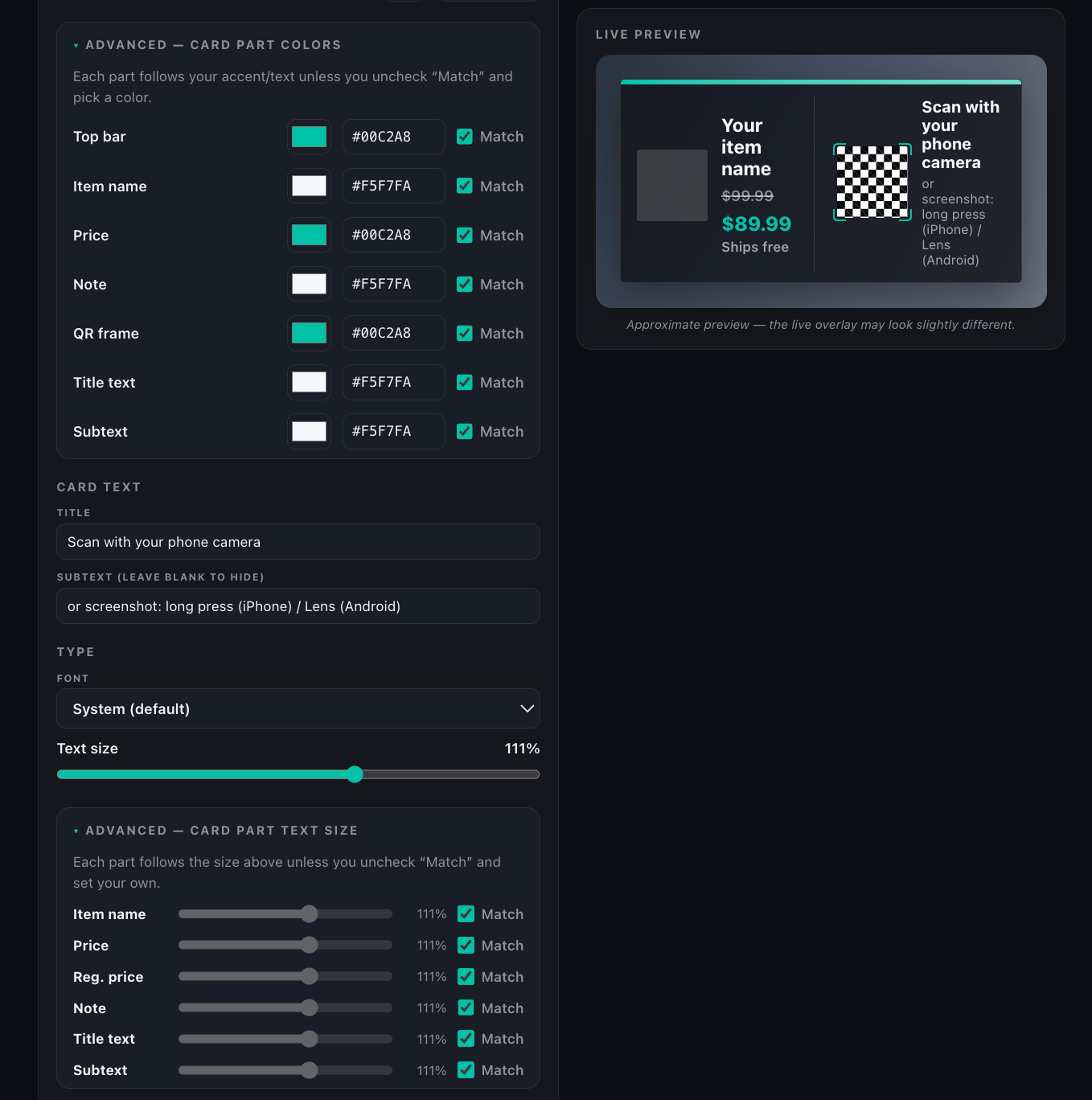
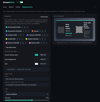
- Save your own looks: colors, fonts, layout. Assign a look to each list.
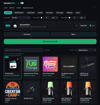
- Search your whole catalog and feature anything in seconds, even mid-show.
- Auto-play to rotate products hands free.
- Save multiple profiles (an Amazon products show, an event, a guest segment) and load them in one click.
- Use your own product photos, or run clean text-only cards. Your links, your QR codes.
- Optional Stream Deck control (Next, Previous, show or hide the overlay).
What's included:
- The StreamPitch app for Mac.
- A step-by-step install and setup guide.
Requirements:
- A Mac (Apple Silicon or Intel).
- Ecamm Live, OBS, or any app that accepts a browser or widget overlay.
- No internet required to run.
Note: StreamPitch comes directly from an independent creator, not the Mac App Store, so the first time you open it macOS asks you to approve it once. The included guide walks you through it. It takes about ten seconds and you only do it once.